
Build and Generate
Game-Ready
Trim Sheets
In Seconds
You control your ideas and the template. The system generates the trim sheet. That's as easy as it sounds.
Trusted by 1000+ game studios, environment artists, and freelancers worldwide


Three focused steps to trim sheet atlases
TrimSheetFast keeps the process tight: lay out your regions, describe each material,and get a production-ready atlas back without bouncing through a long manual pipeline.
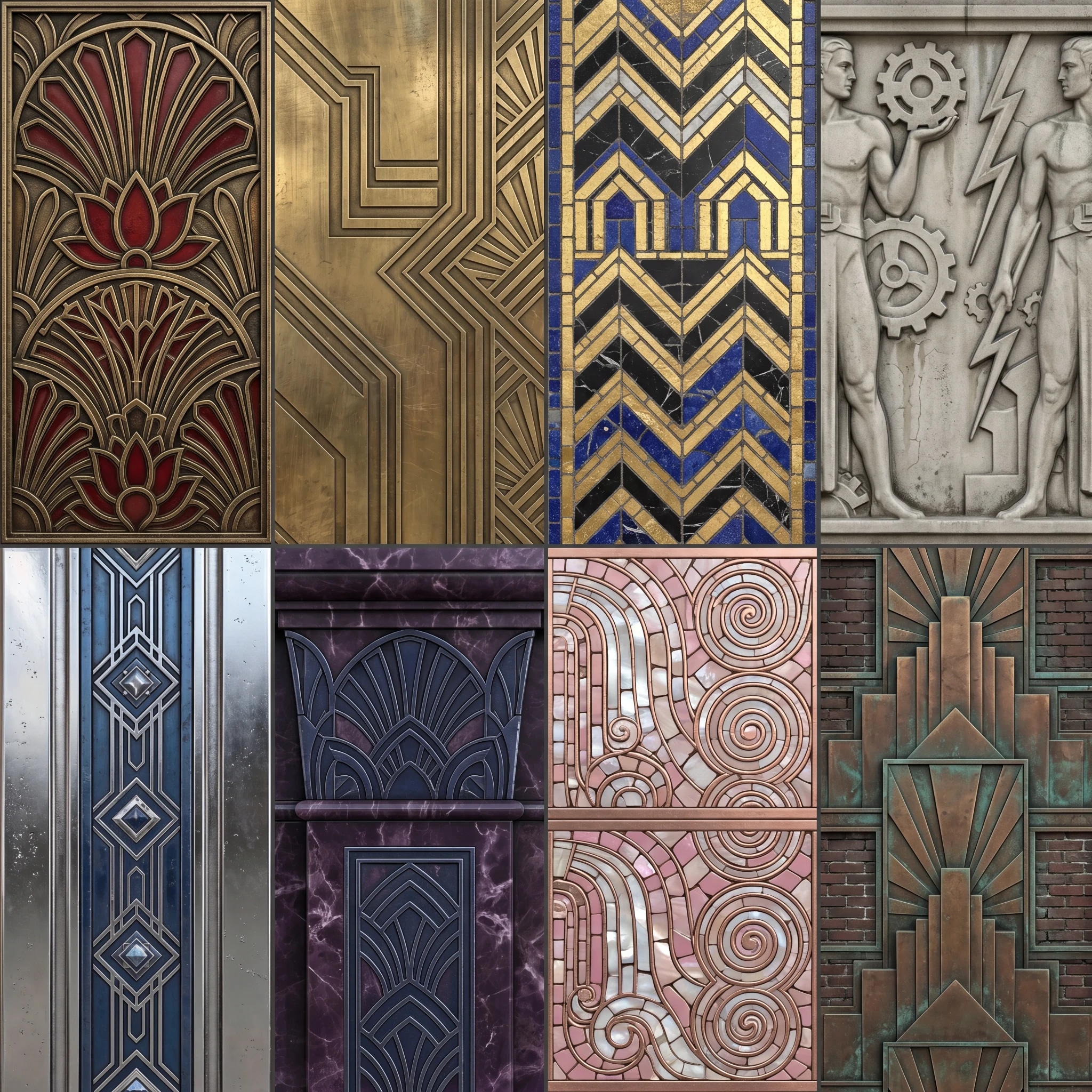
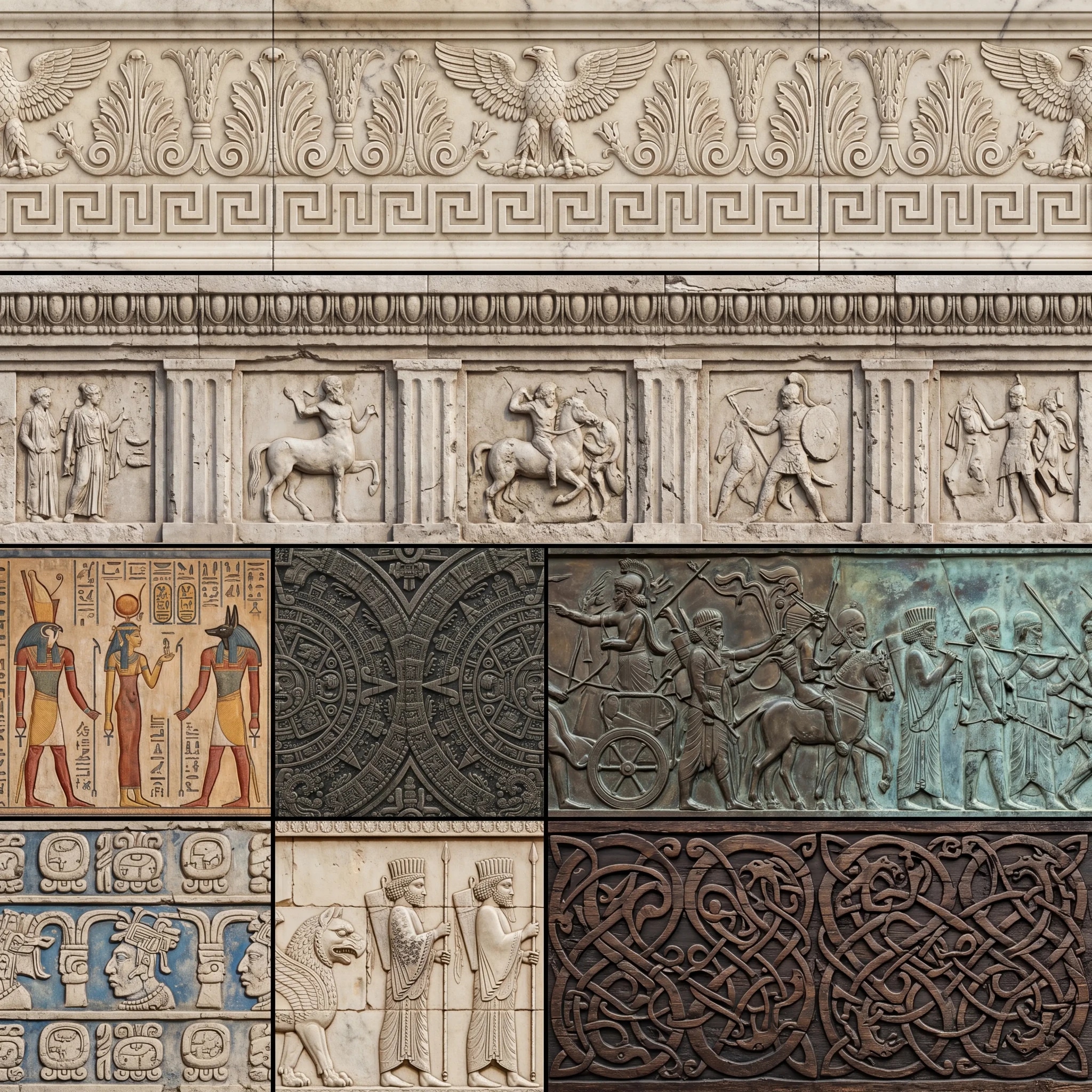
Real trim sheet examples
Each result below shows how fast you can generate a new texture atlaswithout spending hours designing it manually.
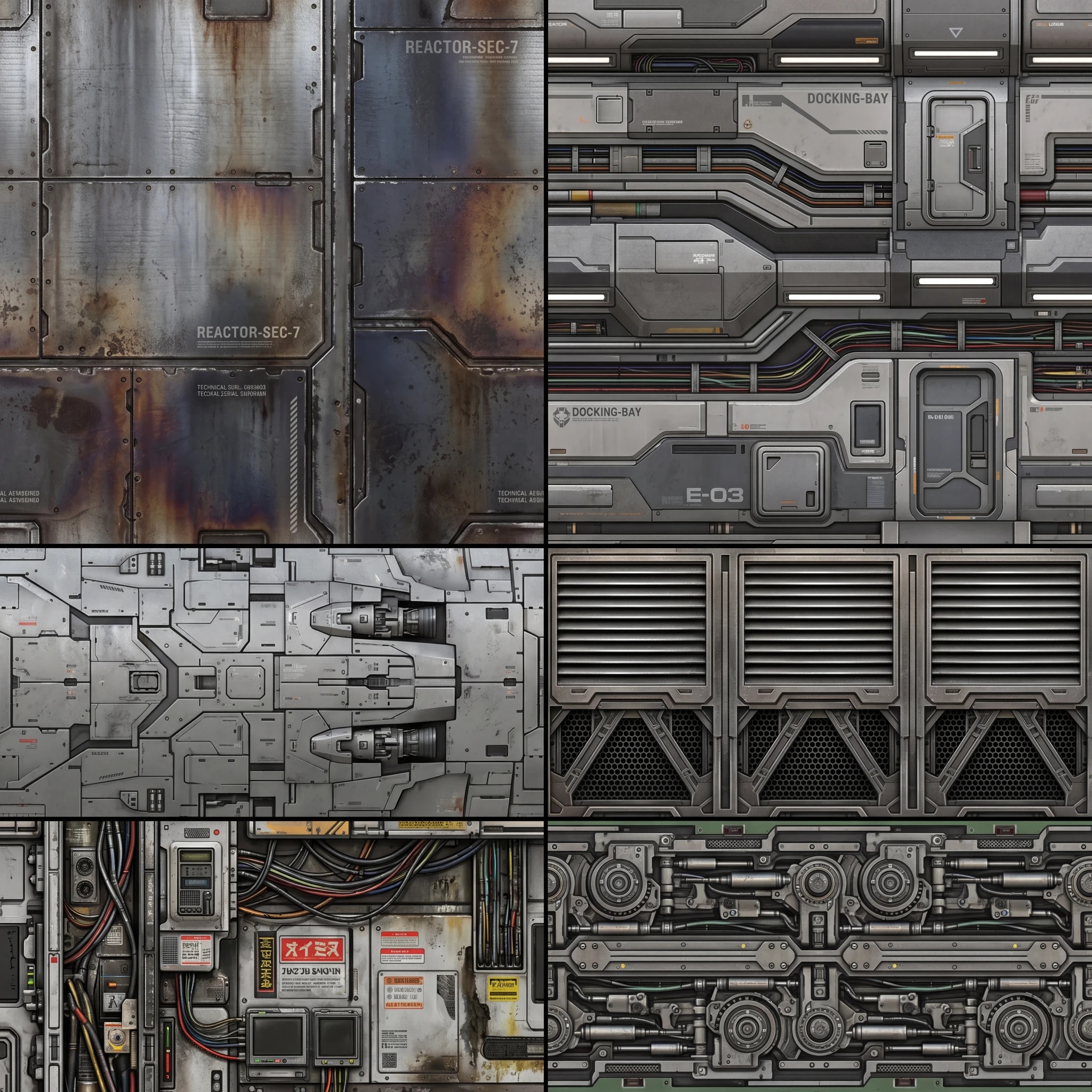
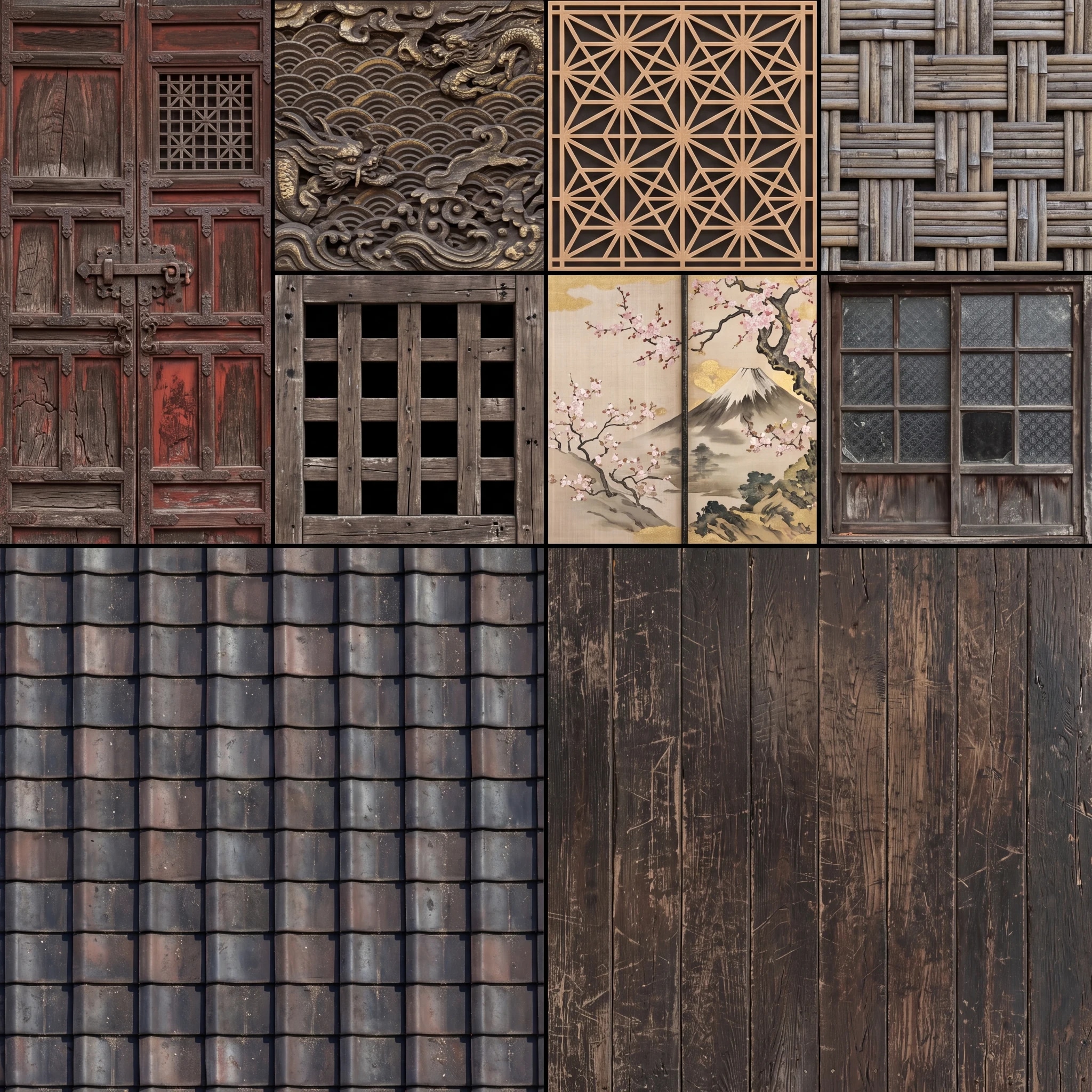
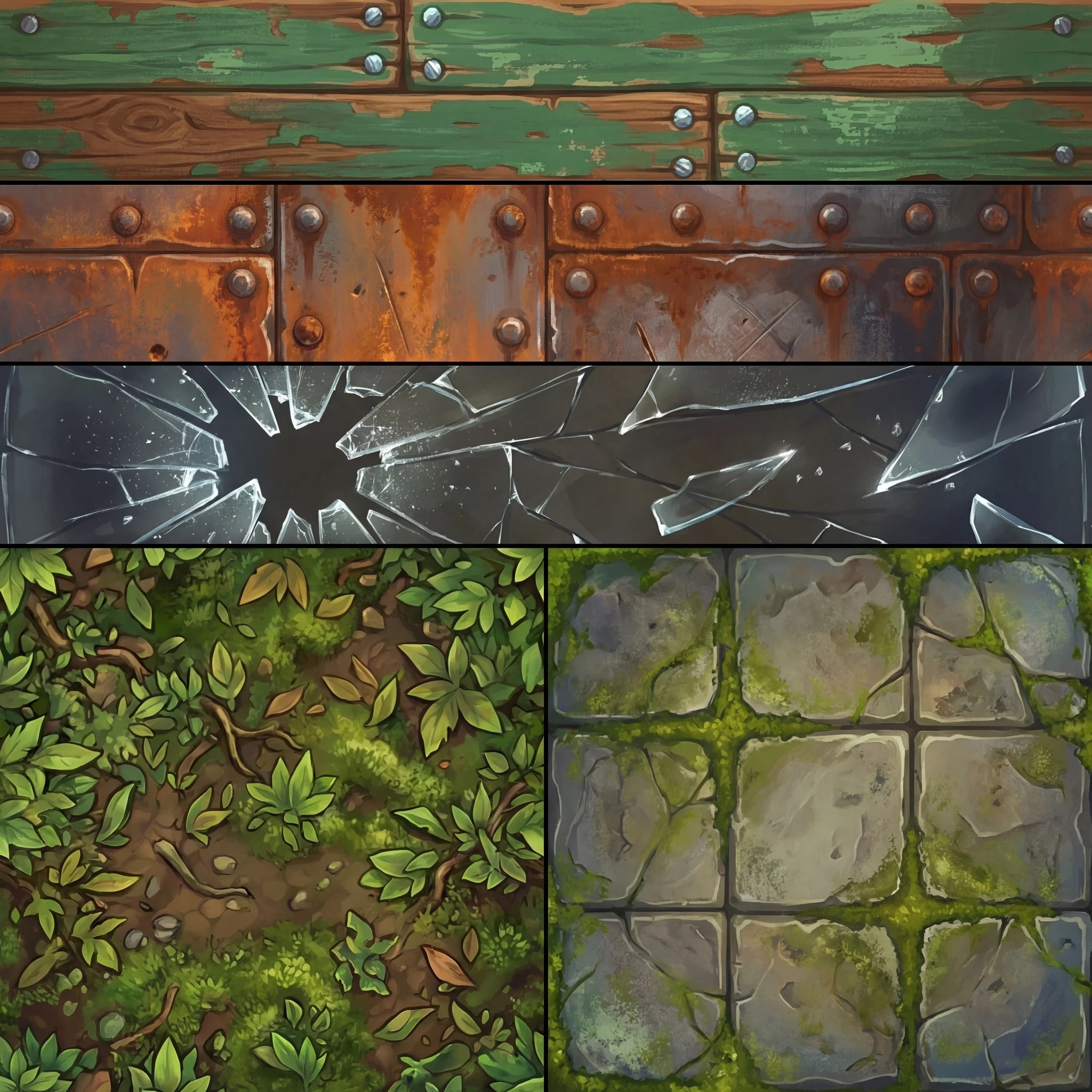
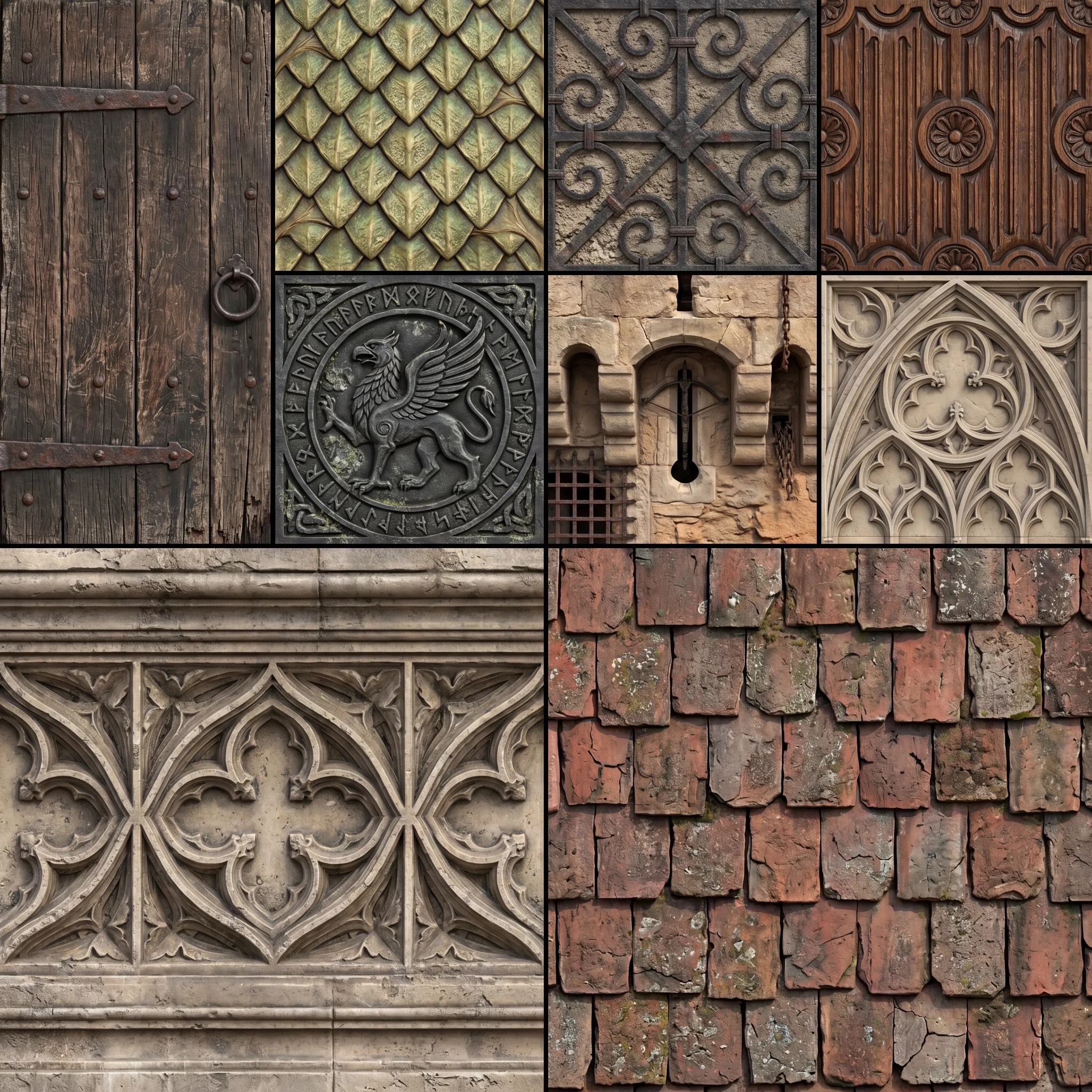
Built for fast game-dev production,
not slow manual pipelines
If you already have the layout idea and need production-ready atlas textures quickly,TrimSheetFast stays focused on the shortest path from template to export.
Swipe to compare
| Comparison point | TrimSheetFast™ | Substance Painter | Photoshop |
|---|---|---|---|
Time to generate a trim sheet | ~40 seconds | Hours per atlas | Hours of manual tiling |
Time to become productive | Minutes | Years to master | Months of practice |
Workflow complexity | Define regions → Prompt materials → Generate atlas | UV layout, baking, layering, manual painting, export | Manual tiling, offset fixing, seam cleanup, map export |
Interface | Focused, simple UI | Complex professional software | General-purpose, not built for trim sheets |
Pricing model | Simple per-atlas pricing | Expensive subscription + possible early cancellation penalties | Expensive subscription + possible early cancellation penalties |
Atlas consistency | Consistent across all parts automatically | Depends on artist skill and time | Manual effort to match materials |
Best use case | Fast production-ready trim sheet atlases | Maximum manual control over every surface | Hand-crafted tileable textures |
Focus of the product | AI trim sheet atlas generation | Manual texturing and material authoring | General image editing |
Speed for large asset kits | Extremely fast. Reuse templates | Very slow (manual work per atlas) | Slow (manual per tile) |
Required expertise | Beginner friendly | Professional 3D Artist skills | Texture art fundamentals |
Frequently Asked Questions
Create your trim sheet template first: add guide lines, mark regions with color IDs, and write a material prompt for each marker. Then choose a style preset, model level, and resolution, and run generation. TrimSheetFast turns that template into a game-ready trim sheet atlas you can preview and export for workflows in Unity, Unreal, Blender, and Godot.
Read full answerReady to Speed Up Your
Game-Dev Workflow?
Join game developers and artists who generate trim sheets and texture atlases in seconds.